Bol.com API key
This guide helps you find your Bol.com API key for the Retailer API, an essential step for connecting your Bol.com sales account to other services like Afosto. The guide makes the process simple, from logging into your sales account to obtaining your 'Client ID' and 'Client Secret'. Whether you want to manage your Bol.com sales via Afosto or another service, these steps ensure you quickly and efficiently get your API credentials.
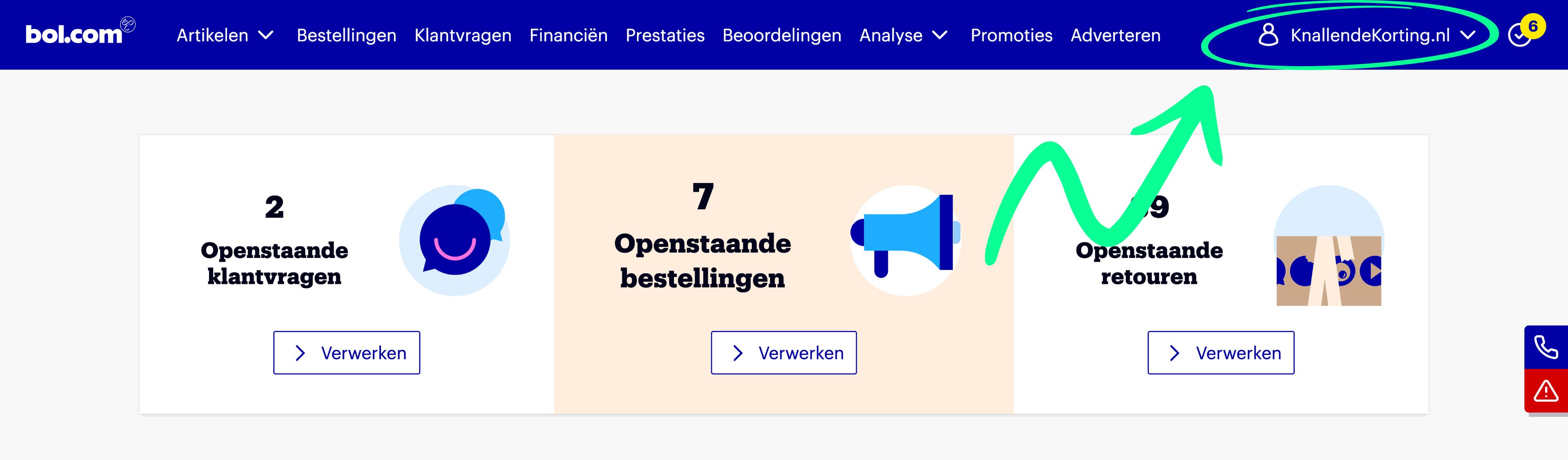
Make sure you are logged into your Bol.com sales account. Click on your account name at the top right of the screen to open the dropdown.

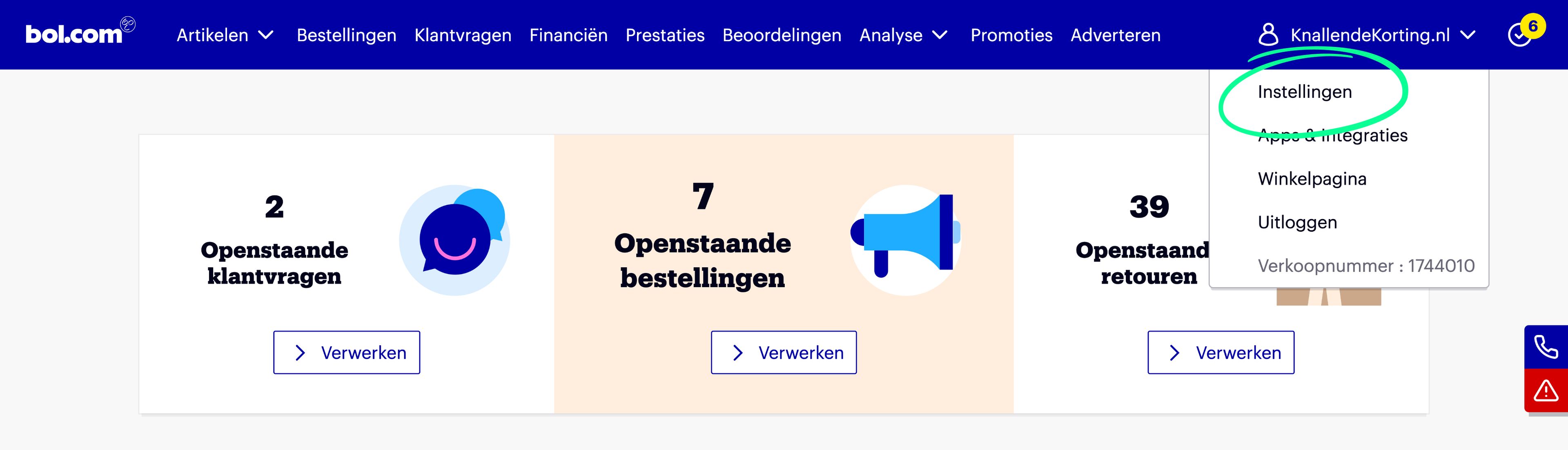
Once the dropdown is open, click on 'Settings'.

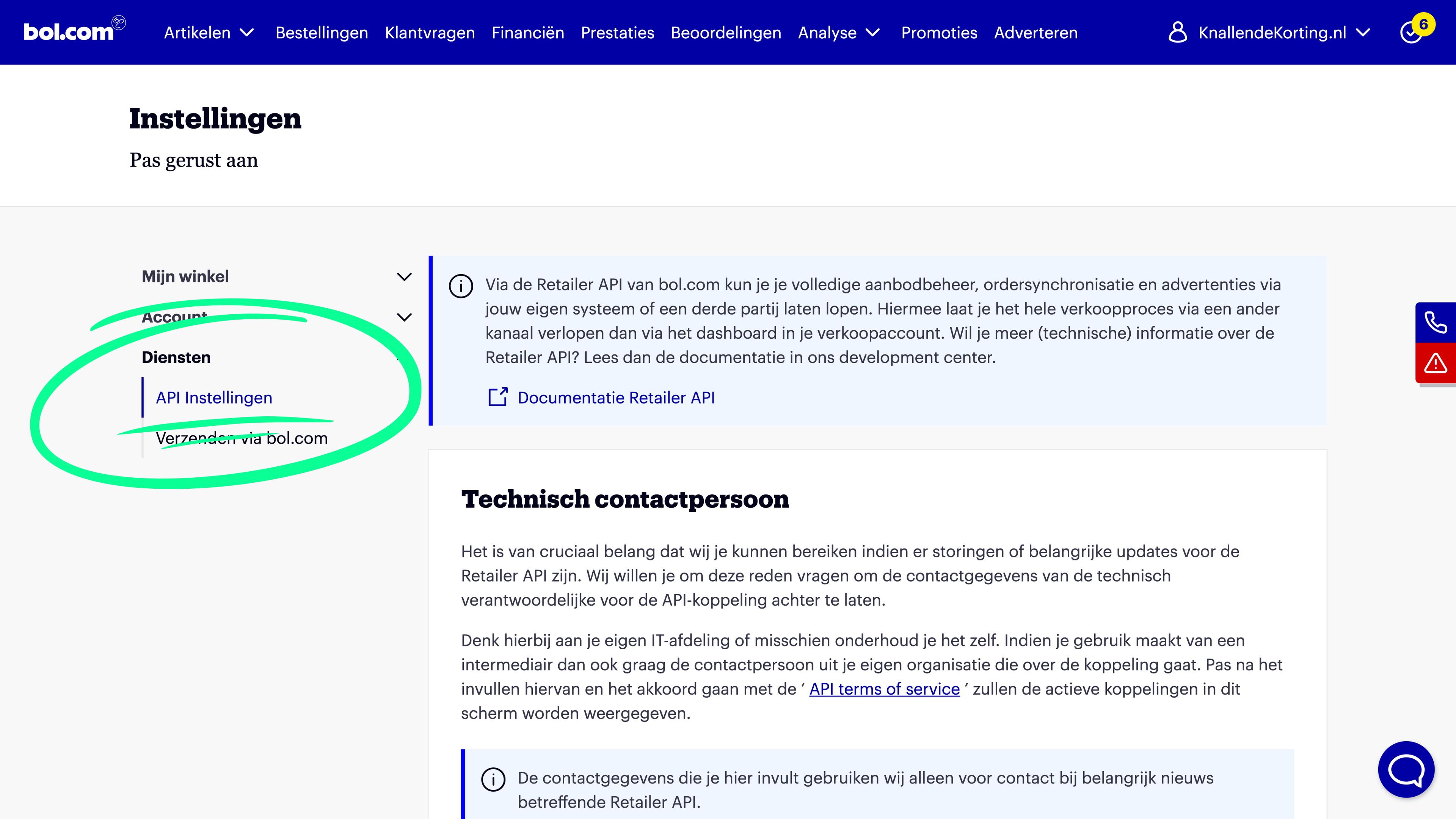
Once you are on the settings page, three options appear in the menu on the left. Make sure to expand 'Services' so you can then click on 'API settings'.

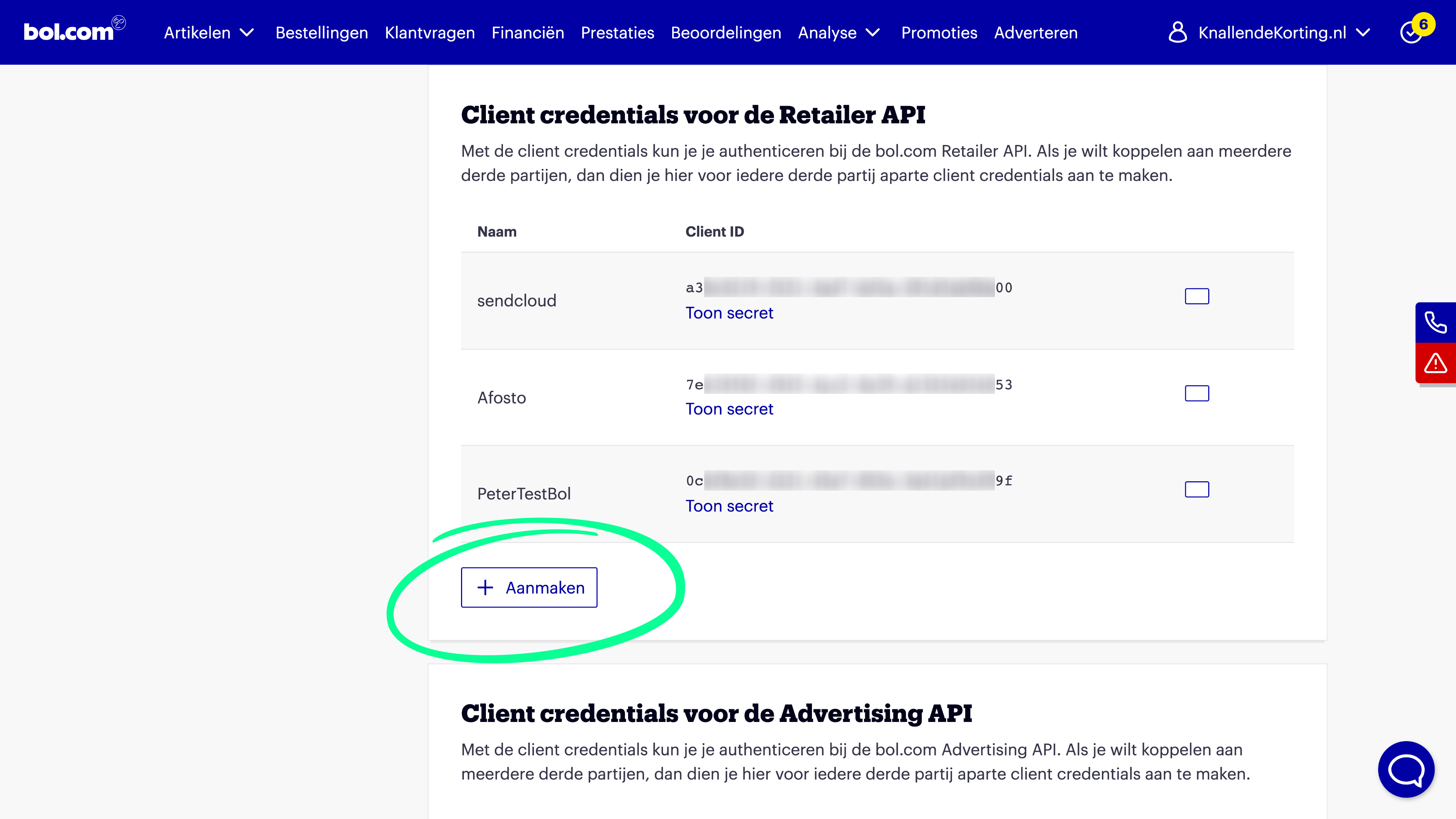
On the API settings screen, scroll down until you reach the section 'Client credentials for the Retailer API'. Here, click on 'Create'.
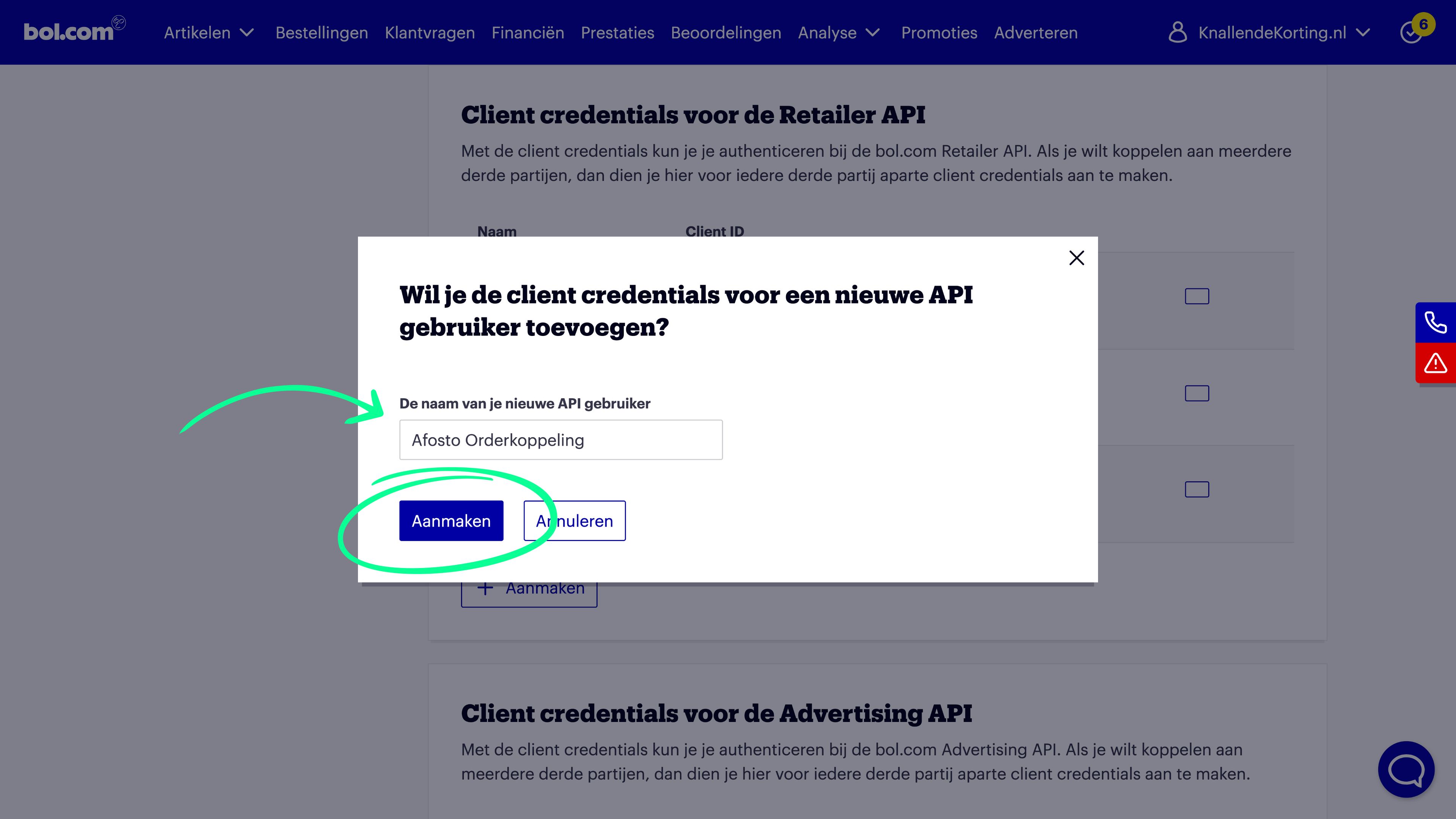
Enter a name for the connection you are going to create. For example, 'Afosto' or 'Afosto Order Connection'. Then click on 'Create'.
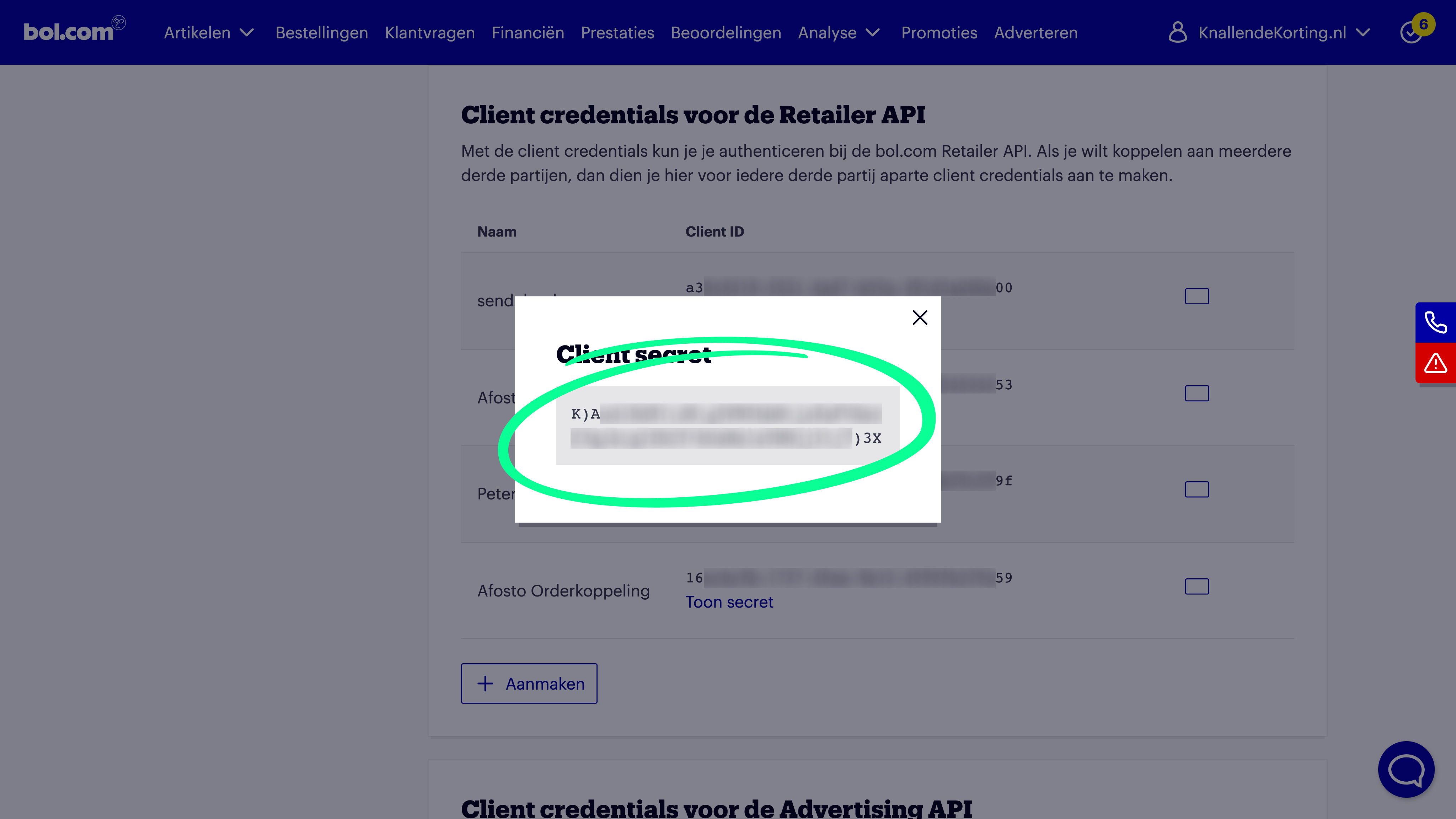
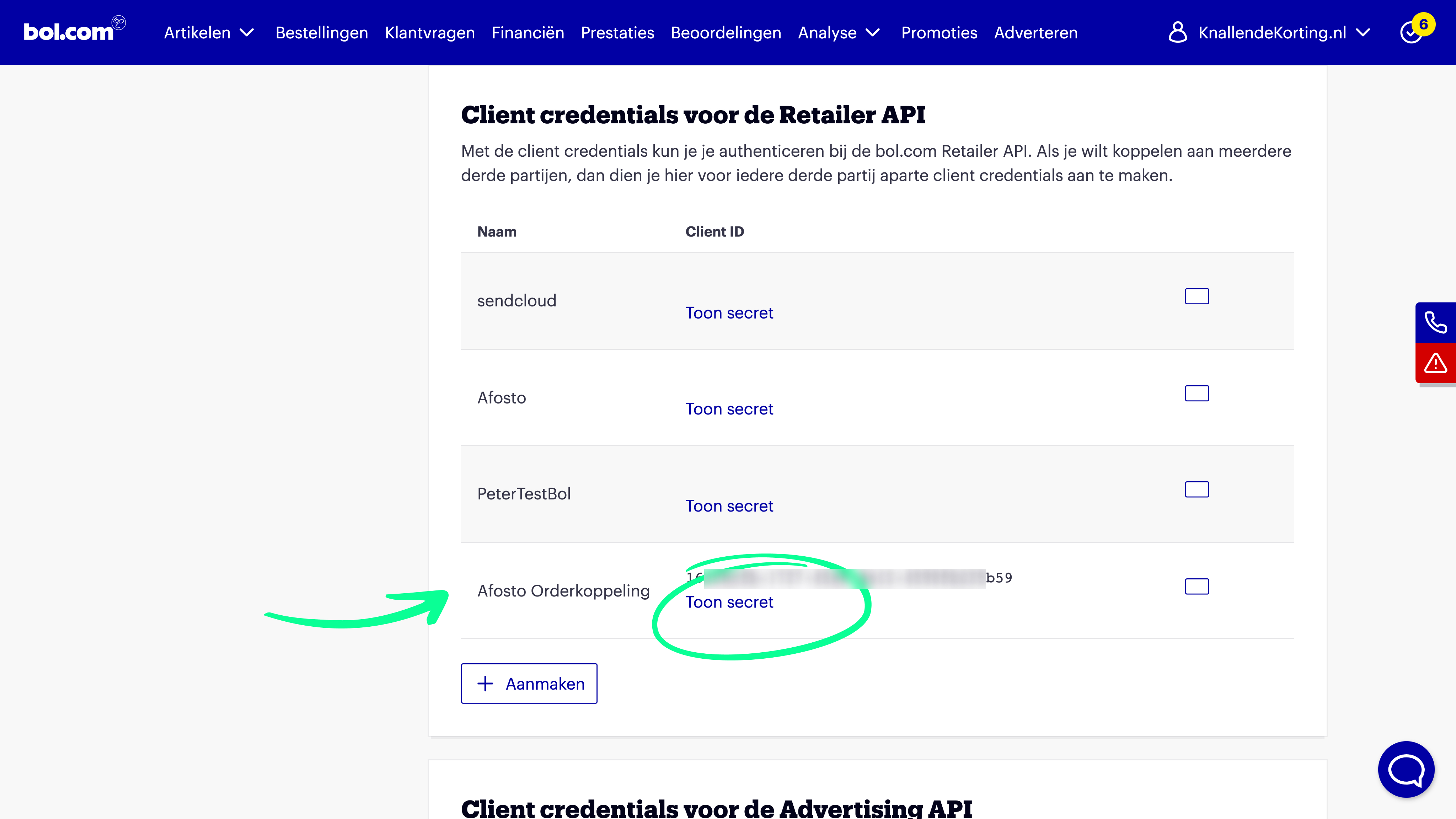
Once you have done this, you can click on 'Show secret' under the newly created 'Client ID'.
A screen will open showing the Client Secret. To connect with Afosto, we need both the Client ID and Client Secret. So copy both pieces of information and then use them in your Afosto account.